Handling Instructions
To ensure long-term use of ContactGlove2, please check the handling instructions carefully before use.
Explanatory Video
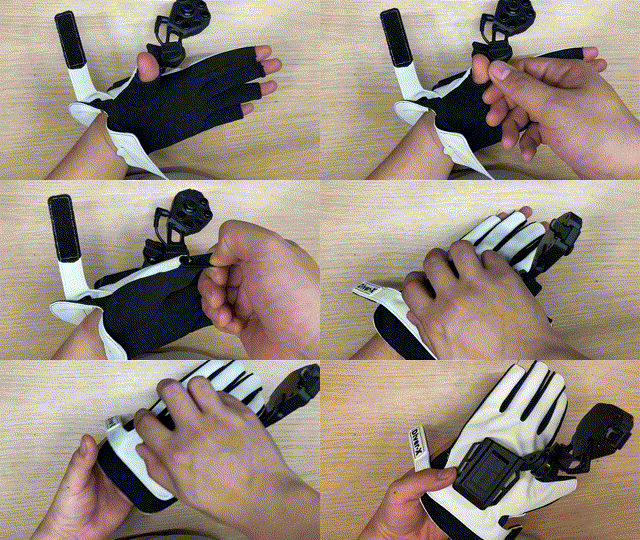
Explanatory video regarding attaching and detaching the ContactGlove2 fabric.
Please be sure to check this along with the documents below.
Storage Method
When ContactGlove2 is not in use, please store it on a flat surface or put it in a case.
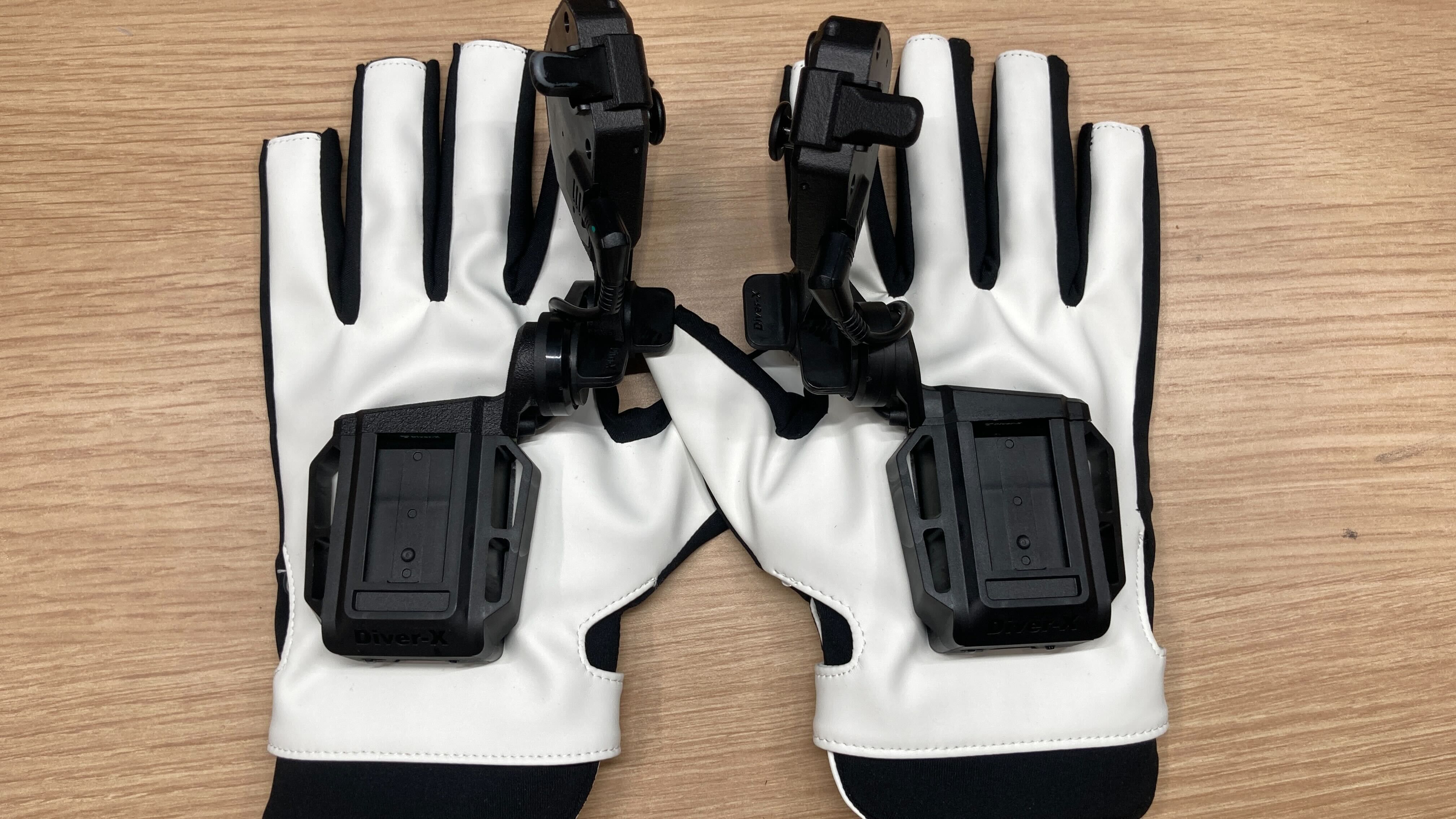
Storing the glove with excessive load on the sensors leads to degradation of hand tracking performance, so please be sure to store it in a state free of stress.
Attaching and Detaching Magnetra2
Magnetra2 (the controller module) supports hot swapping. You can freely plug or unplug (attach/detach) it whether the ContactGlove2 main unit power is ON or OFF. (When connected while powered ON, it is automatically recognized and controller functions are enabled.)
Caution: Do not plug/unplug rapidly
Although hot swapping is supported, please avoid plugging and unplugging repeatedly in a short period of time. This places excessive stress on the contact points and may cause malfunction.
How to Remove
When removing ContactGlove2 from your hand, grasp the main body and slide it off so as not to pull on the finger parts.
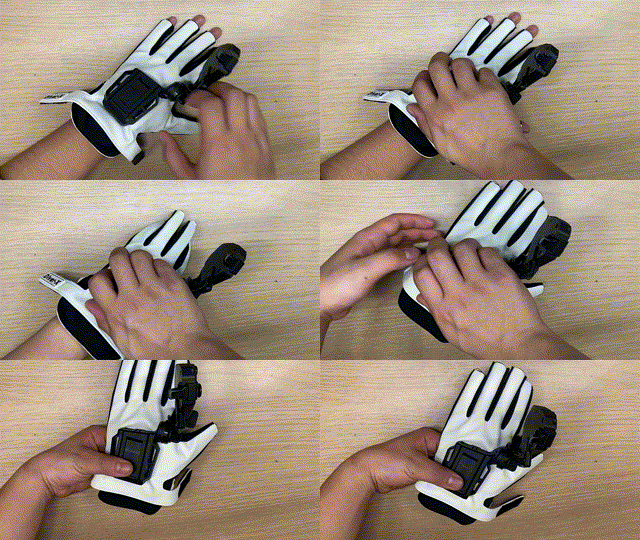
- When removing, be careful not to let the glove fingertips get caught on the finger being pulled out. (This may cause the sensors to break or become damaged).
- Be careful not to let the Velcro stick to the glove's inner fabric (palm material) and cause fraying.
- If the glove is stuck tight to your fingers and is difficult to remove, grasp the cloth on the pad of the finger, loosen it slightly, and try again.