Download & Install
Download
To use ContactGlove2, please install our software "DivingStation."
DivingStation can be downloaded from the official website.
About the Version
ContactGlove2 will only work with DivingStation v1.6.0 or later. If you are already using DivingStation, please update it before using ContactGlove2.
Install
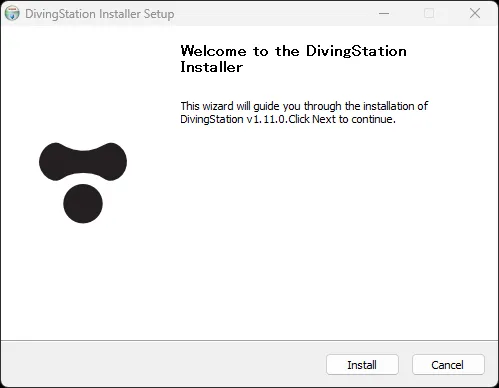
Please launch the downloaded exe file.
When the installer appears, follow the instructions to complete the installation.
Setup
Once installation is complete, launch DivingStation and follow the software's instructions to set up the device.
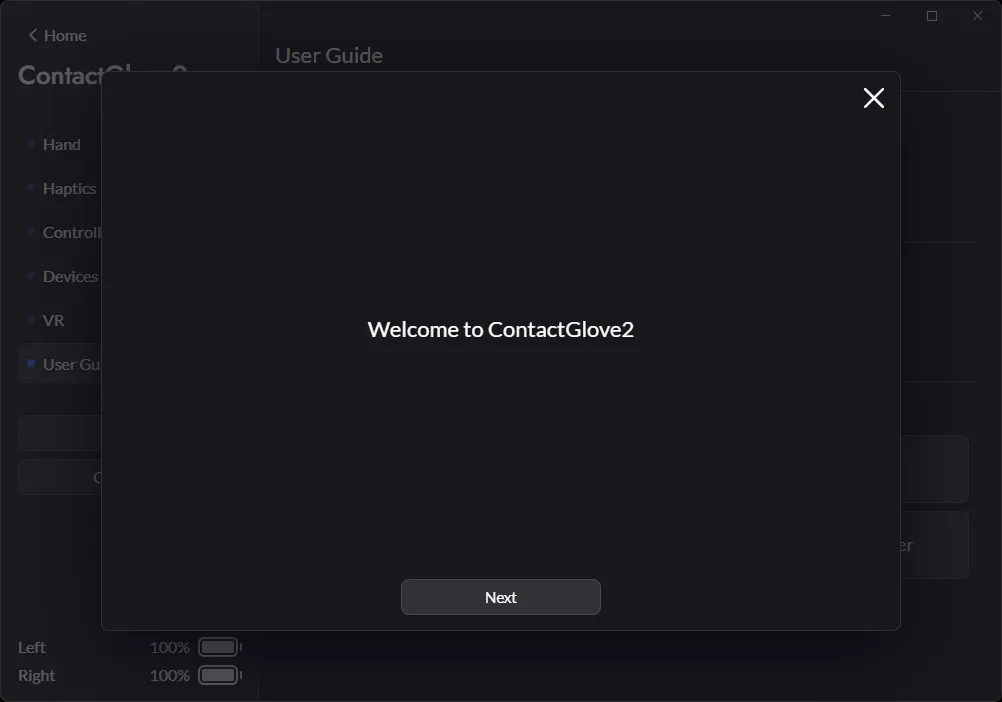
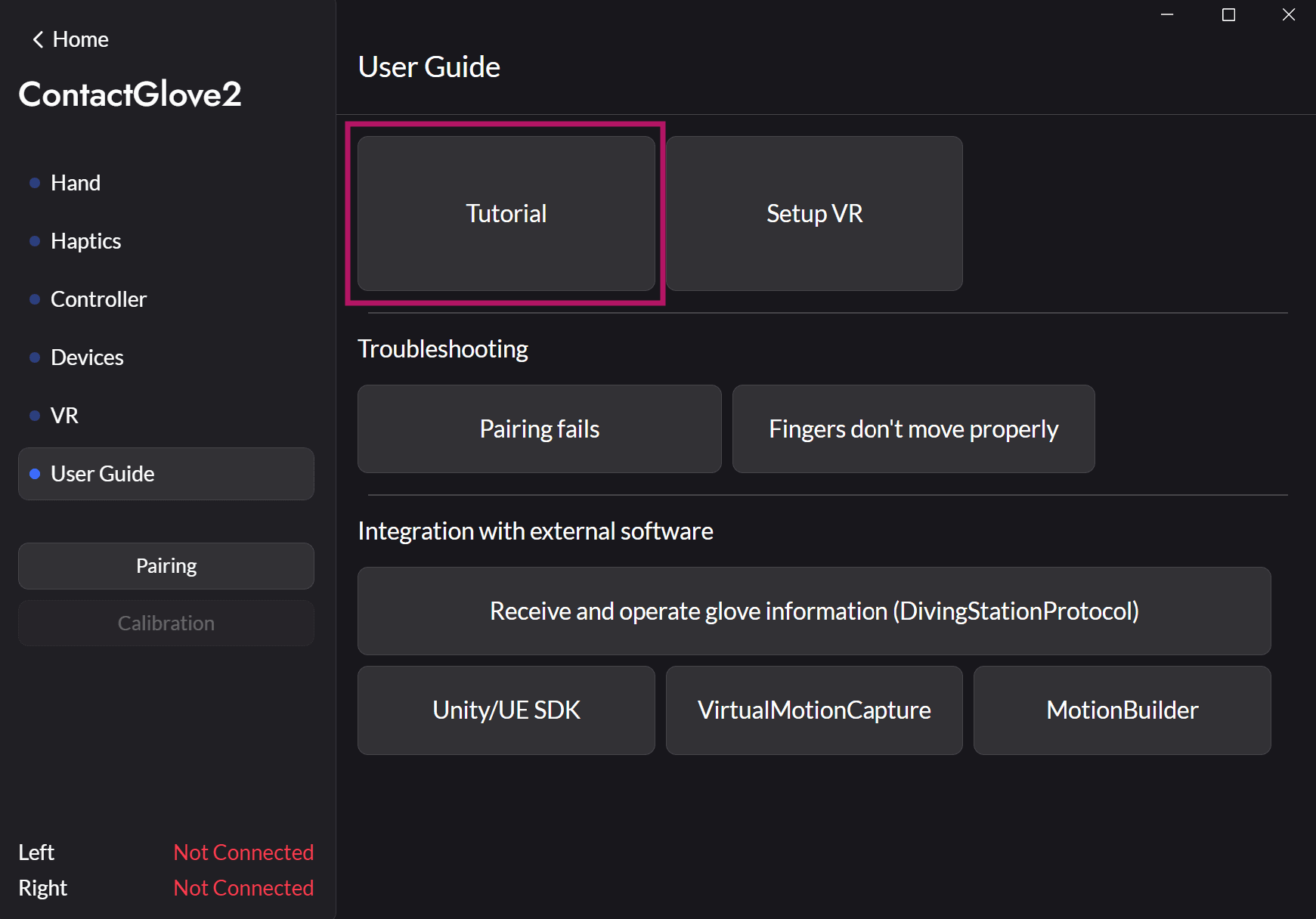
If you closed the tutorial by mistake, or if you'd like to go through it again:
Open "User Guide" from the tab on the left side of the screen, then click the "Tutorial" button that appears. This will take you back to the setup screen.
For details on the various features of DivingStation, please refer to this page: DivingStation Features