Firmware Update
Update
- Start DivingStation and follow the on-screen instructions to begin the update.
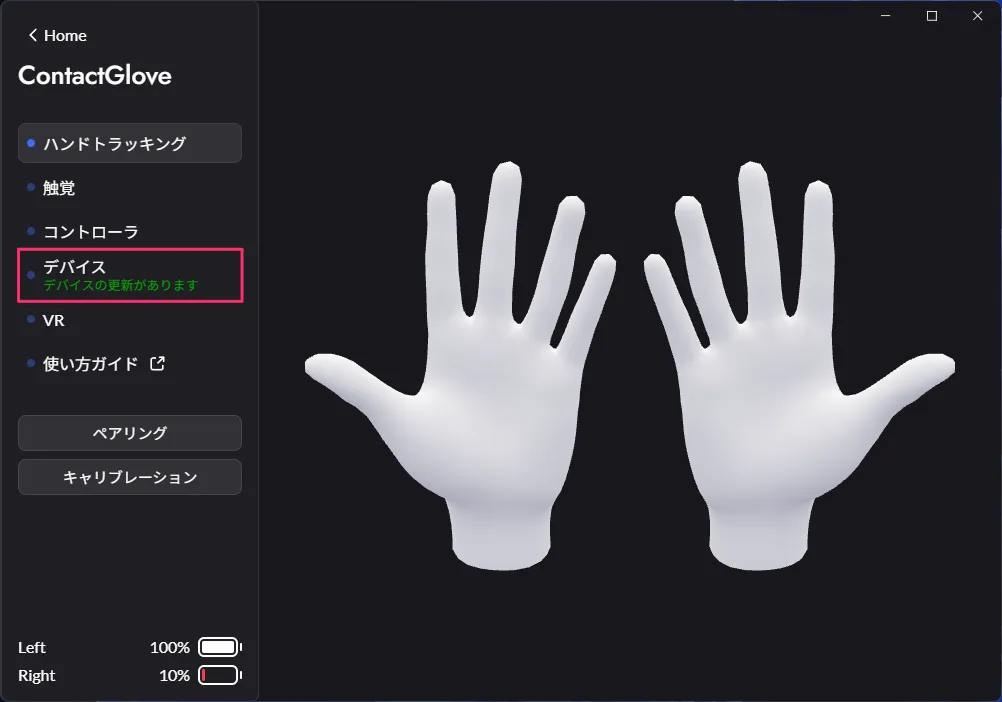
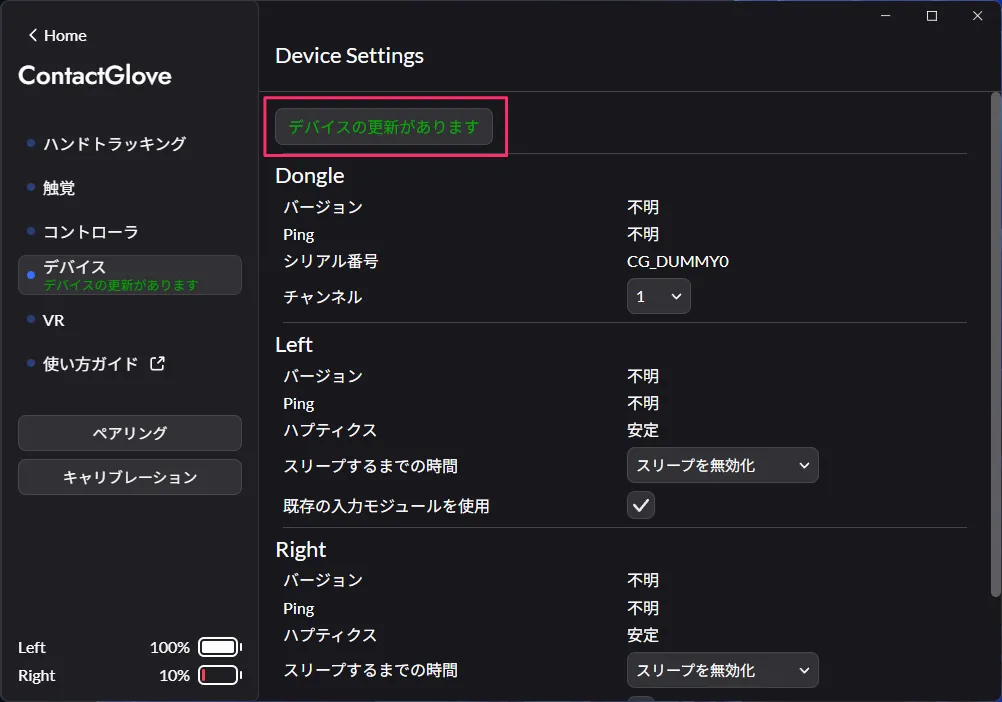
- Insert the ContactGlove1 dongle into the PC according to the on-screen instructions.
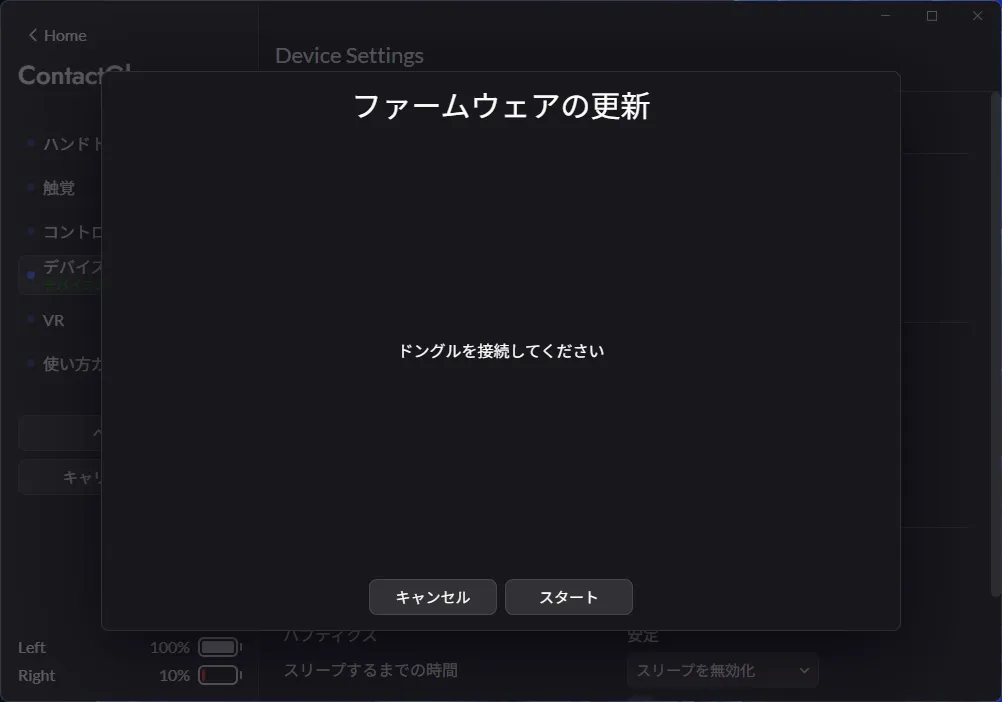
- Power on the ContactGlove1 and connect the left and then the right glove to the PC following the on-screen instructions.
Please ensure that the connection between the ContactGlove1 and the PC is wired.
If the update does not proceed after connecting, please check if the ContactGlove1 is powered on.
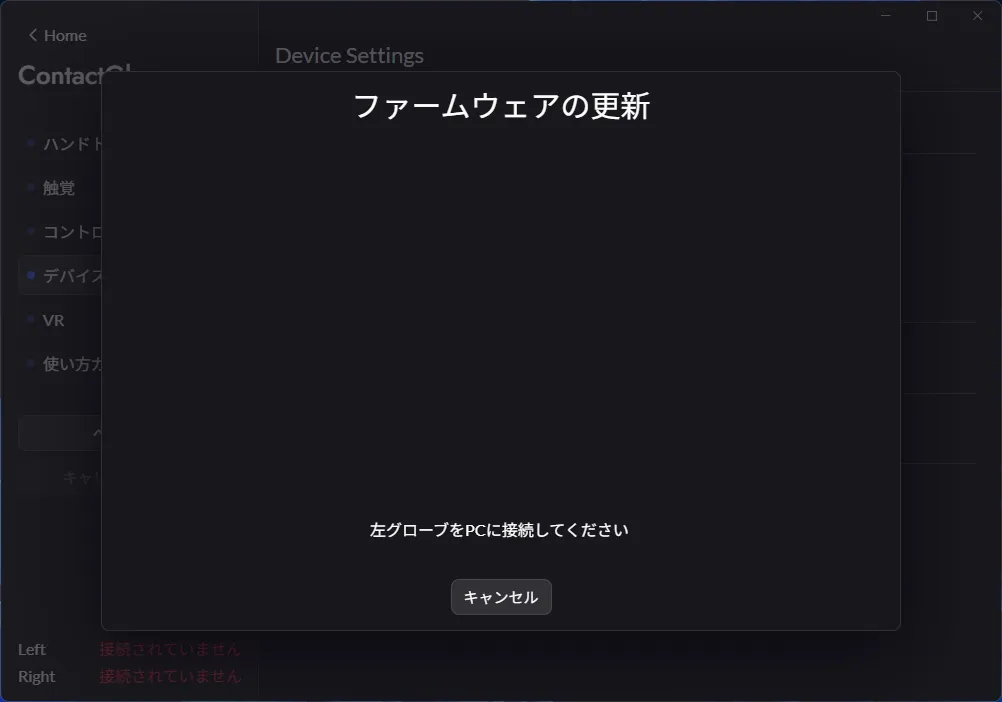
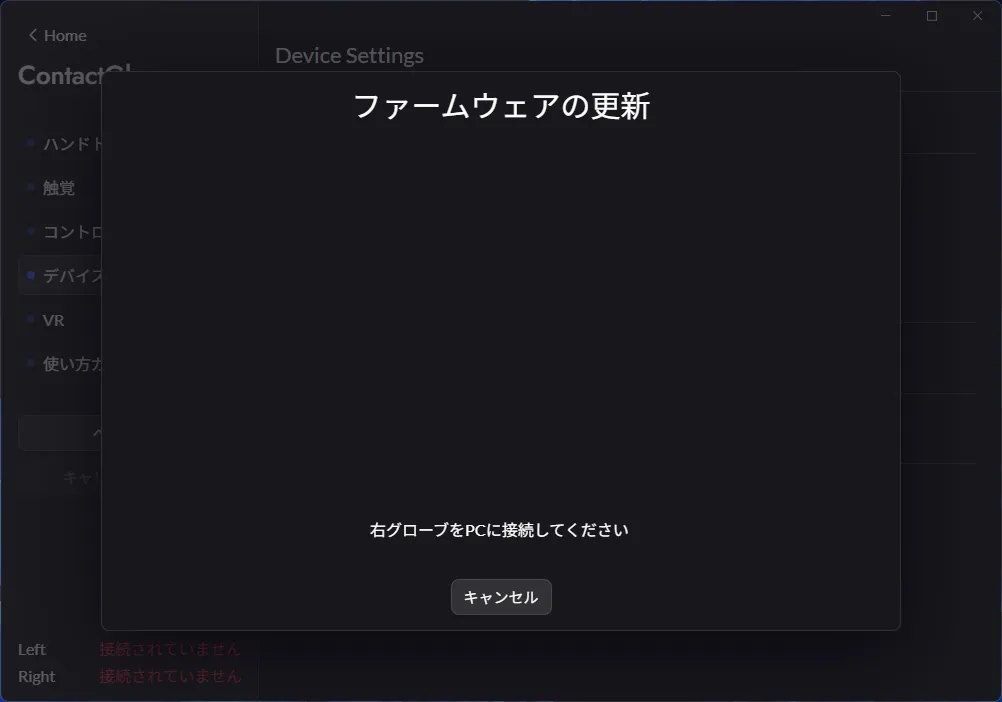
- Once the Firmware update is complete, the ContactGlove1 will automatically restart.
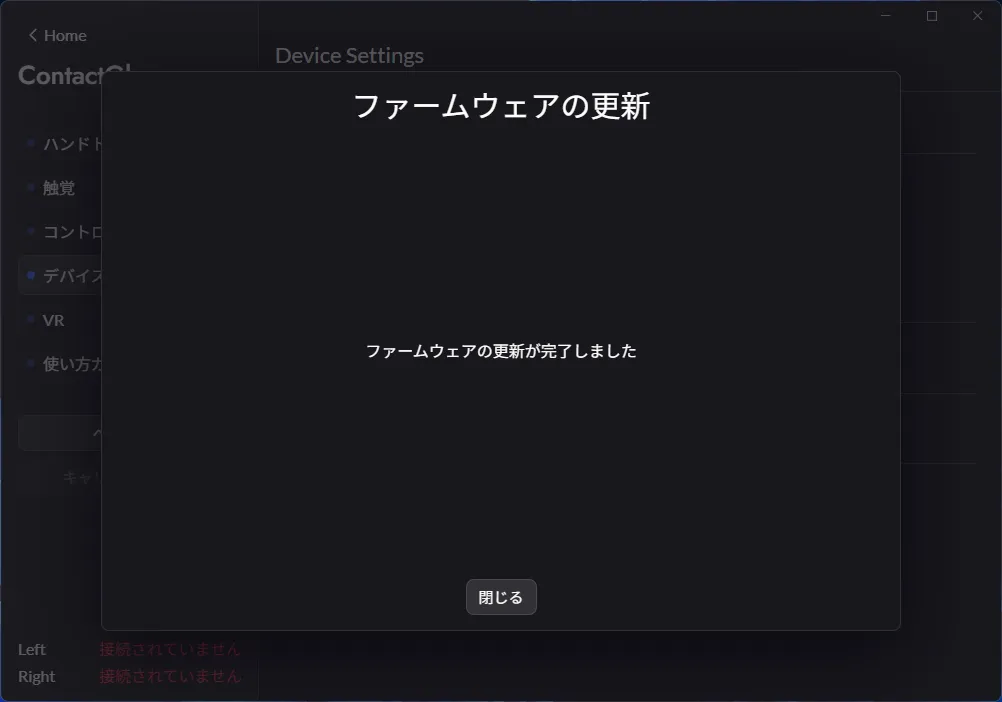
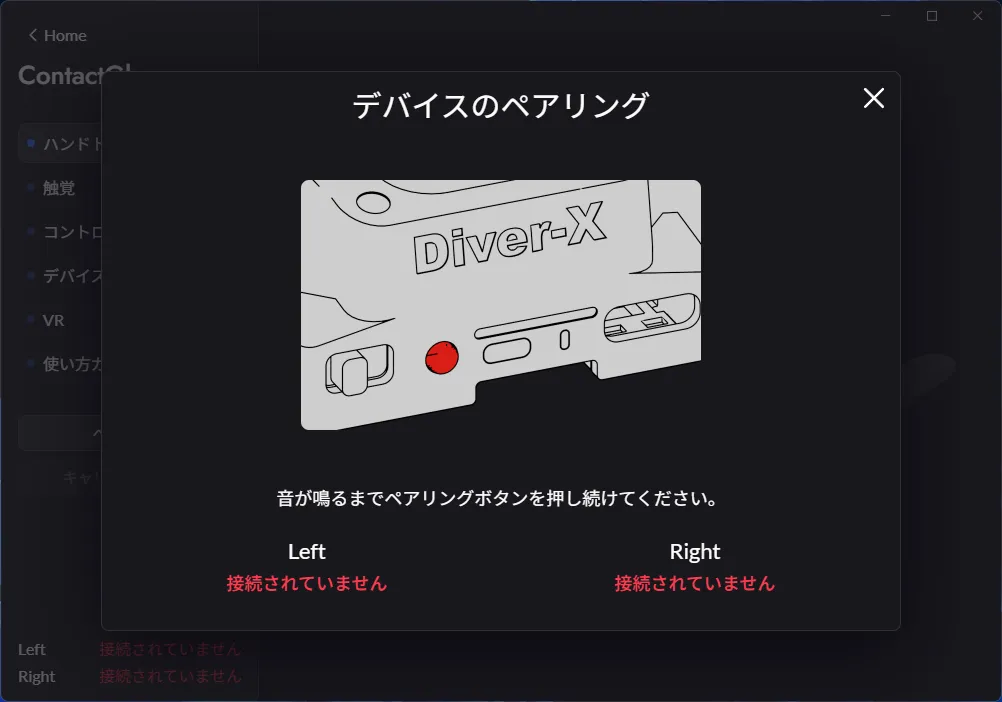
- The updated ContactGlove1 will be unpaired, so please re-pair it before use. Press and hold the pairing button until you hear a sound.
Manual Reinstallation
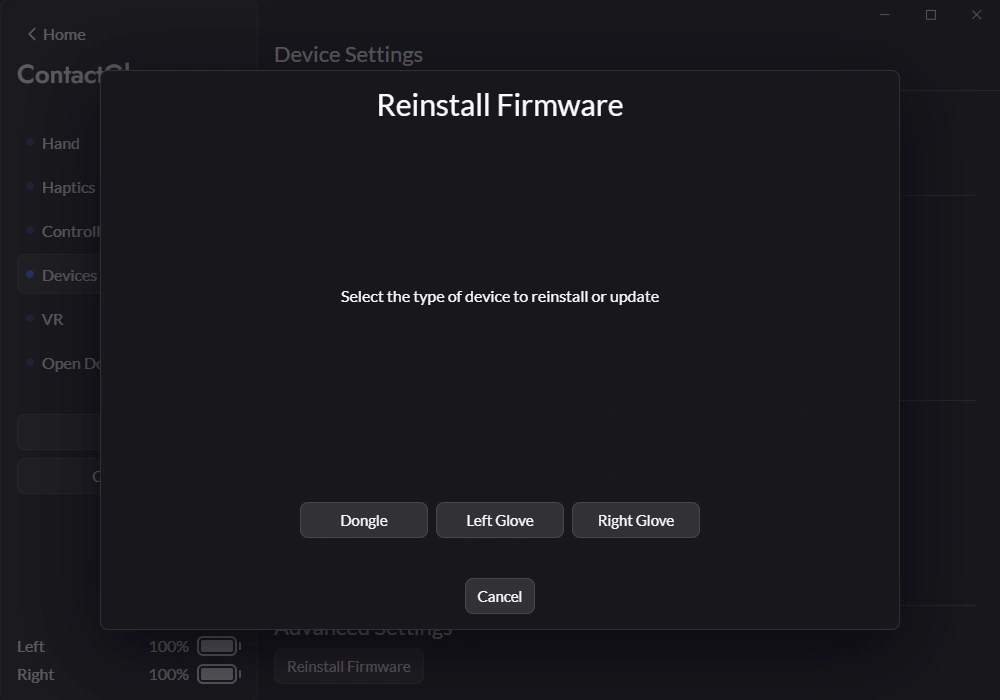
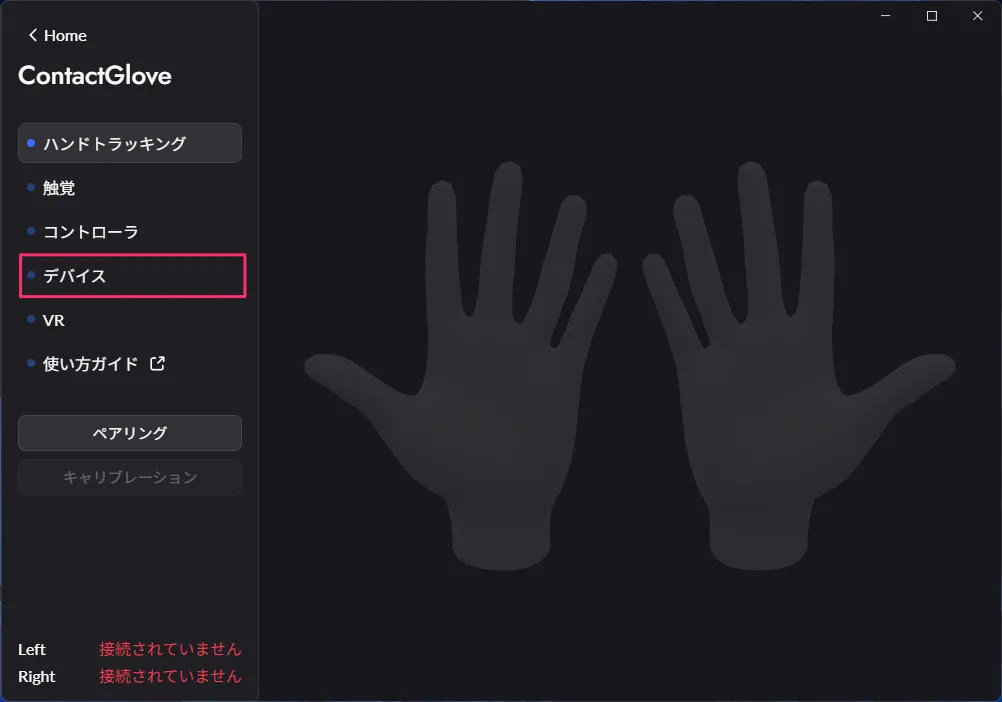
- Start DivingStation, open the device settings, and select the firmware reinstall button shown below.
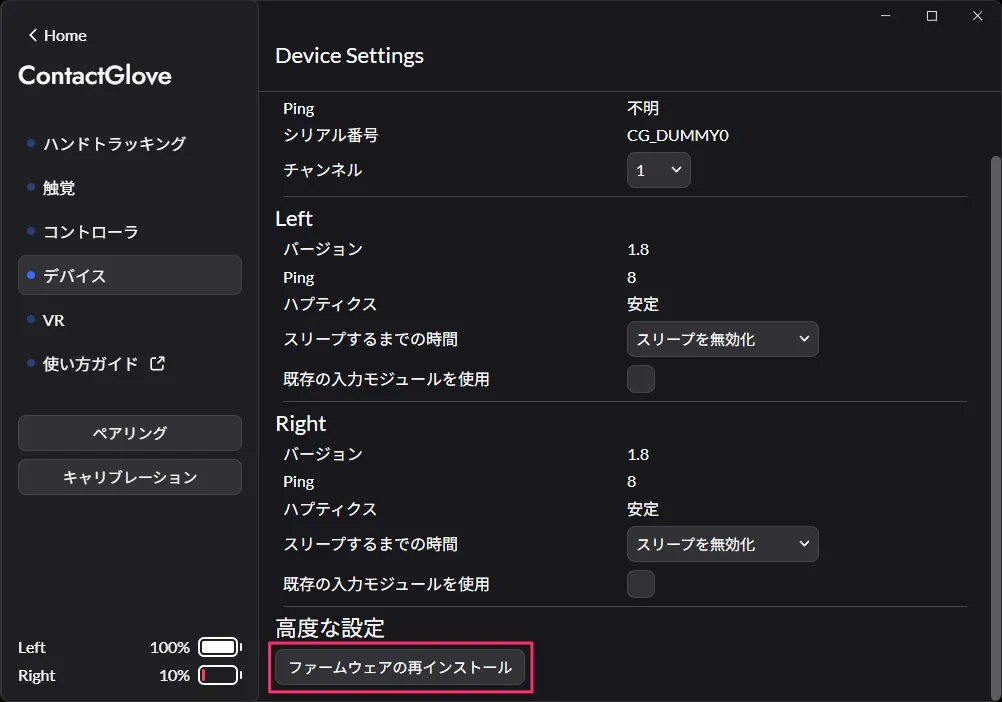
- Select the device to reinstall (dongle, left glove, or right glove), then connect it as instructed on screen. Repeat for each device that needs to be reinstalled.