Setting up DivingStation
Connect the dongle
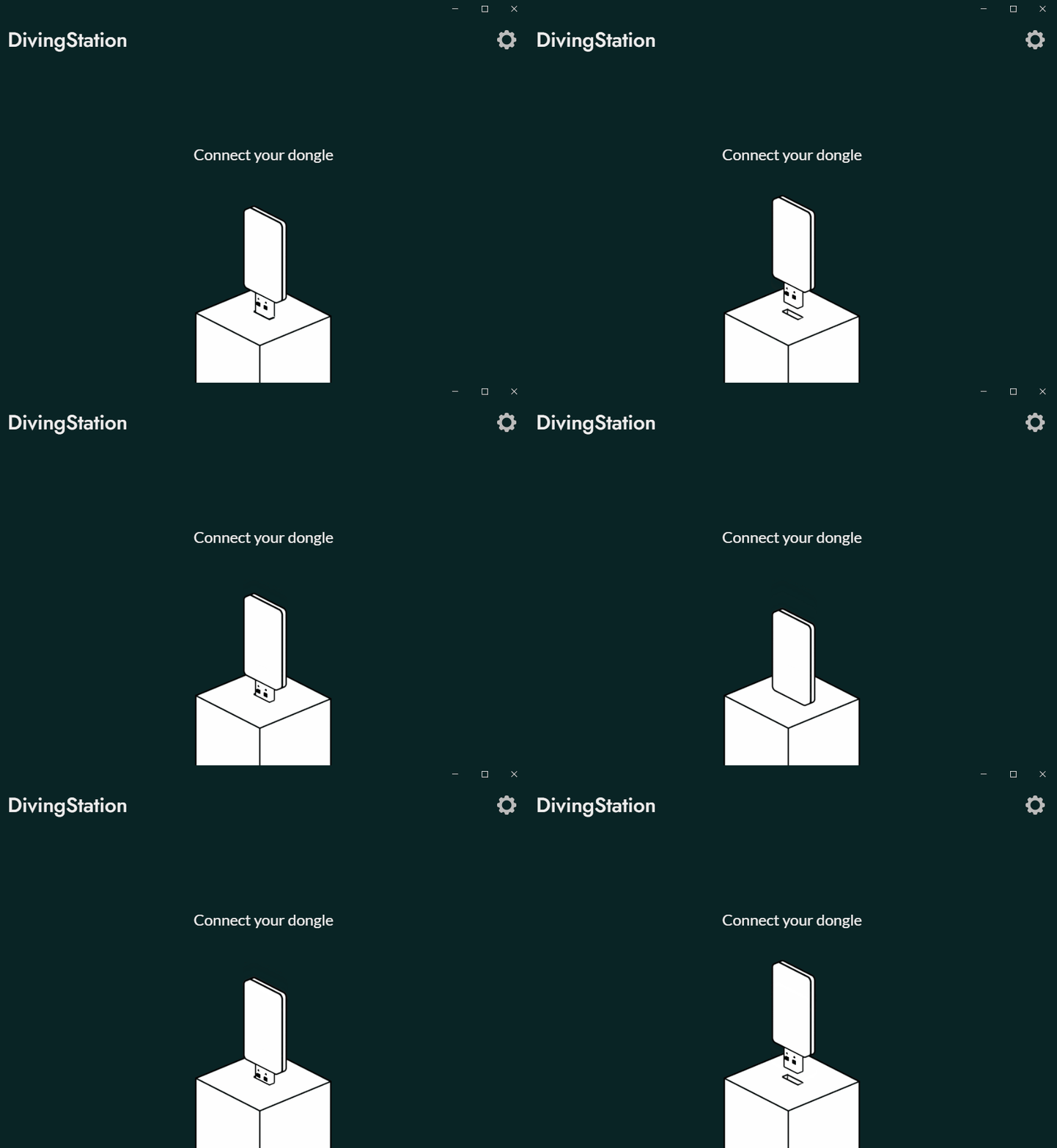
After starting the DivingStation, connect the dongle first.
To avoid communication interference, insert the ContactGlove1 dongle away from other dongles (vive tracker/tundra tracker dongle, wireless mouse dongle, etc.). Also, depending on the environment, using a USB hub may slow down communication.
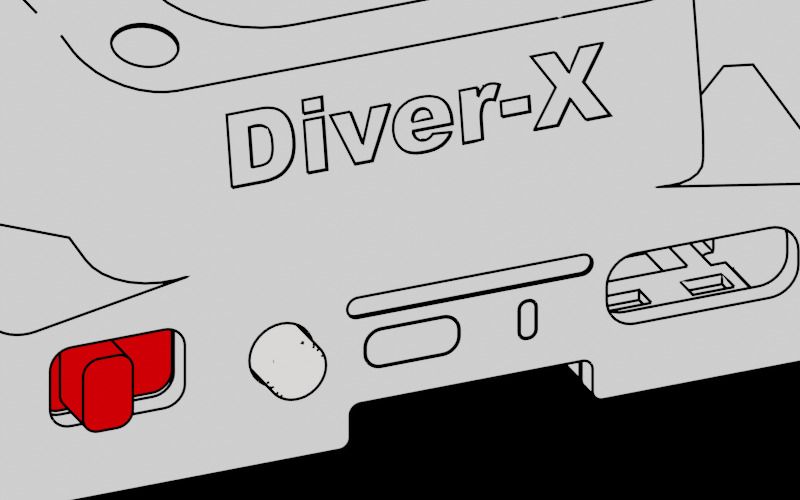
Then turn on both ContactGlove1 units. Slide the power button to the right to turn on the power.
Pairing
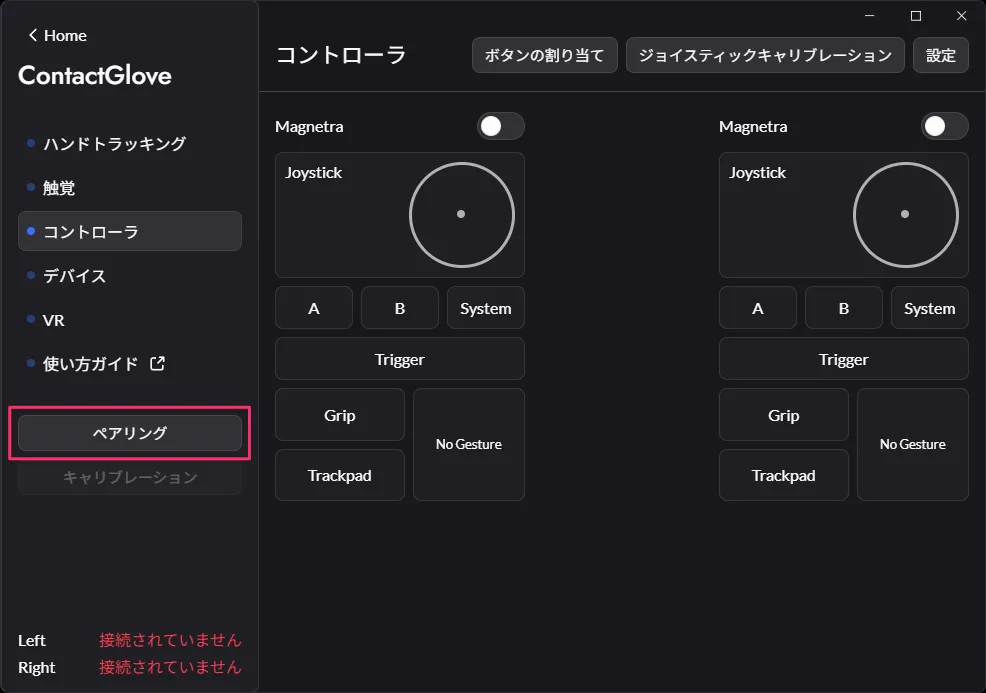
You can connect the ContactGlove1 by pressing the Pairing button on the DivingStation.
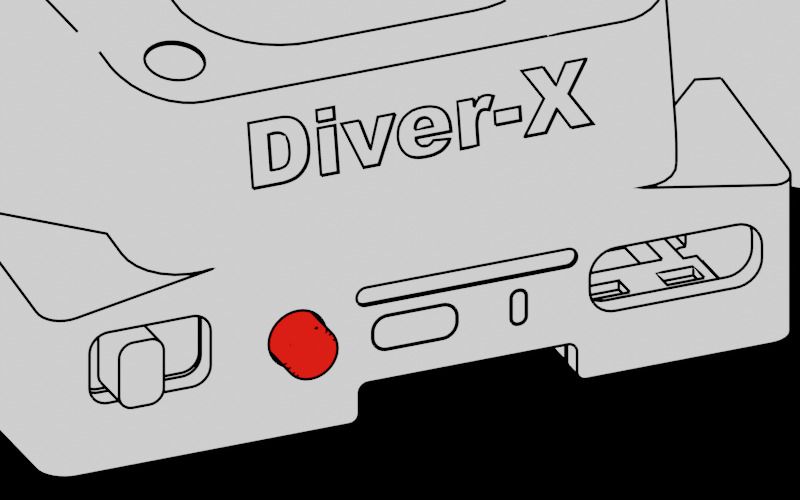
Pairing starts by pressing the button on the bottom of the ContactGlove1 for 3-4 seconds. The light on the ContactGlove1 will flash when pairing begins.
Connected is displayed when pairing is completed.
ContactGlove1 is now connected with the dongle 🎉
calibration
Gloves can be calibrated by pressing the Calibration button in DivingStation. You can also open the calibration screen with the Space key.
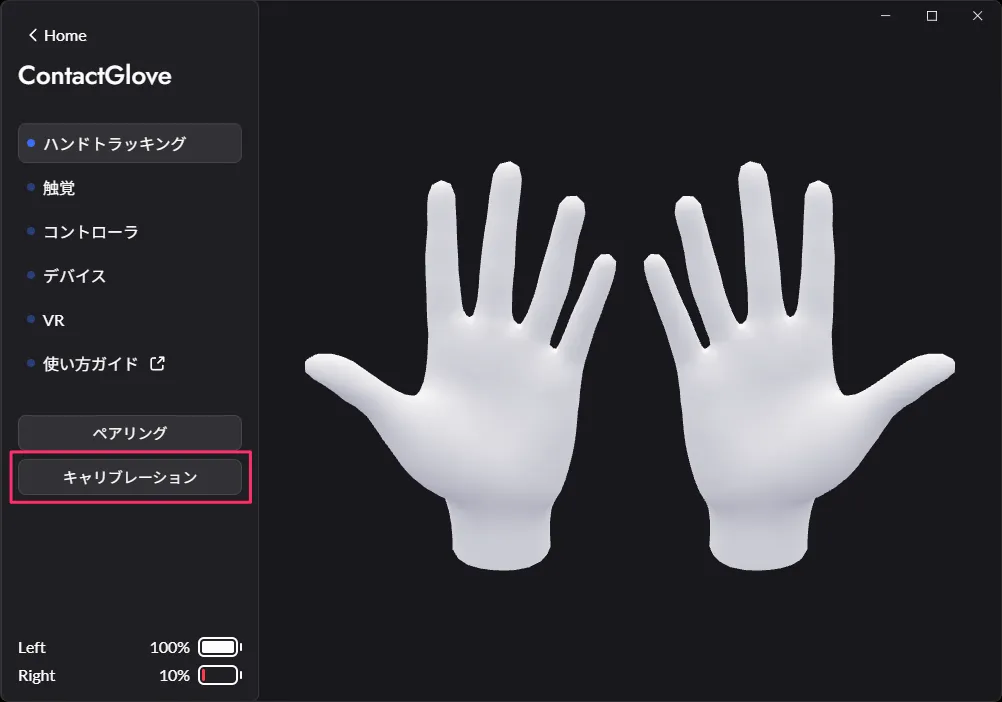
Press the Start button to start calibration. Calibration has the following steps:
- Bend Calibration
- For this calibration, bend the index, middle, ring, and little fingers and extend the thumb.
- Stretch Calibration
- For this calibration only the thumb is flexed and the other fingers are extended.
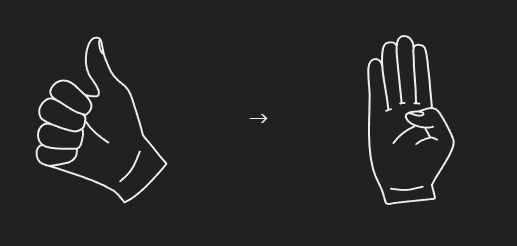
- For this calibration only the thumb is flexed and the other fingers are extended.
Bend calibration and stretch calibration are more likely to succeed if you do the calibration without applying too much force to your fingers.
Now I can move my hands 🎉
If your hand doesn't move as you would like, it might help if you change your grip and perform calibration a few times ✋
Joystick calibration
For the first time, joystick calibration is required to determine the center and direction of the joystick.
Press the joystick calibration button.
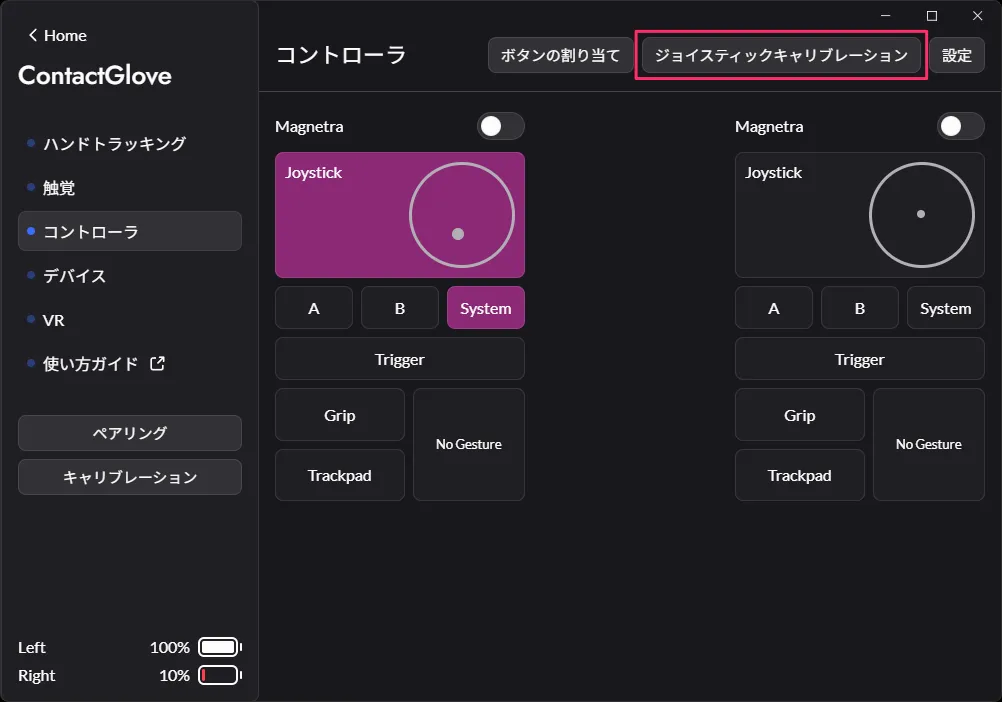
Press the Start button to start calibration.
Due to the clicking of the mouse, it is difficult to calibrate both hands at the same time. If you check only one of Left and Right and perform calibration, you can calibrate one hand at a time.
Calibration has the following steps:
-
Center Calibration
- This calibration determines the position of the center of the joystick. Do not move the joystick.
-
Range Calibration
- This calibration determines the joystick's maximum range of motion. Keep the joystick tilted fully and rotate it several times.
-
Forward Calibration
- This calibration determines the front of the joystick. Bend your finger and tilt the joystick in the direction that is easiest to input.
Congratulations, you've finished setting up the DivingStation 🎉
Next is the setup in SteamVR 💻