Method of operation
The operation methods displayed here are all default settings. You can change this setting later.
If you are using it for the first time, please press the button first! Try it out and change the settings if you find it difficult to operate.
Display on DivingStation
| System button not pressed | System button pressed |
|---|---|
 | 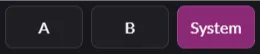 |
When a button is pressed, it appears pink in DivingStation.
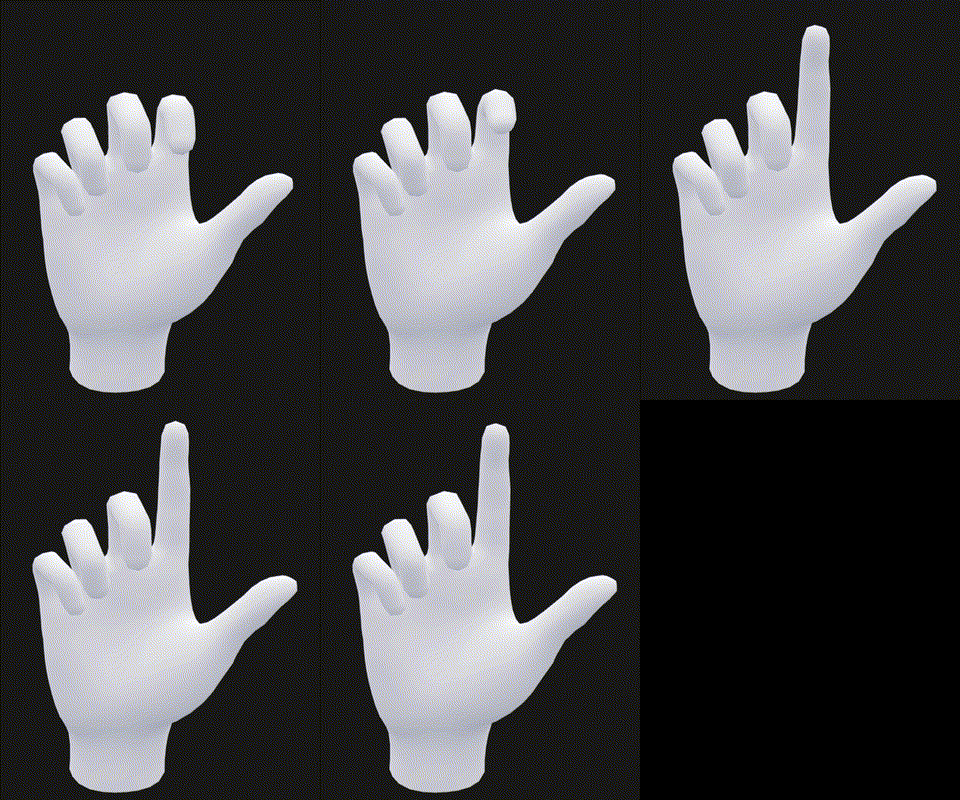
Trigger
Bend your index finger to press the trigger.
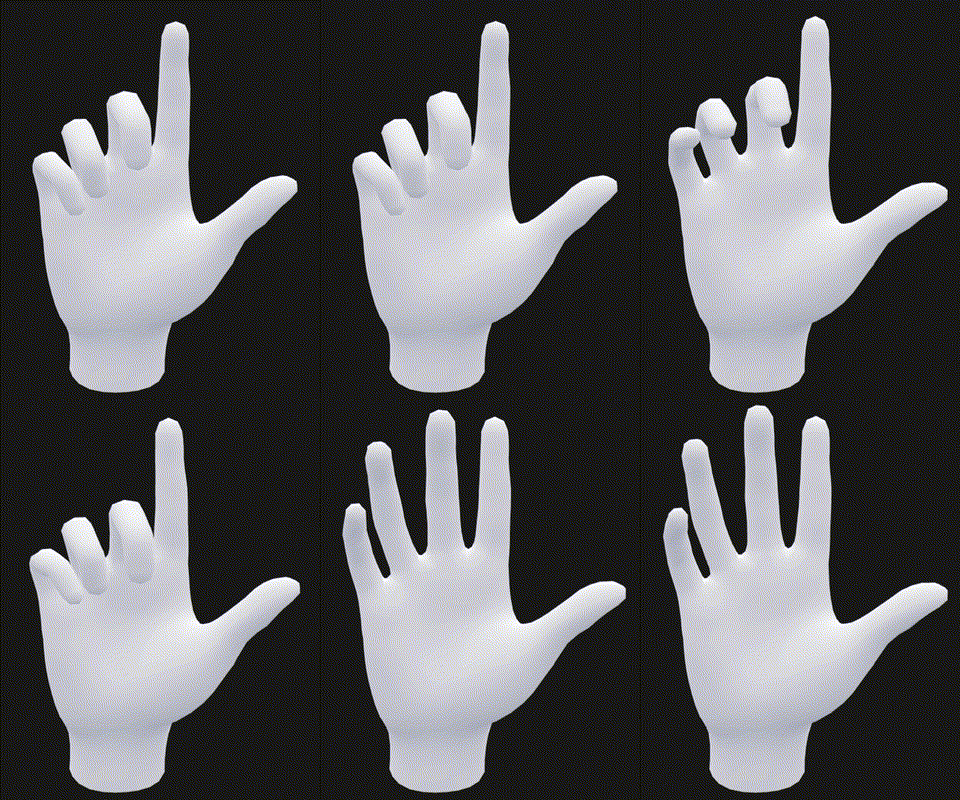
Grip
Bending the middle finger, ring finger and little finger at the same time presses the grip.
A/B/System buttons
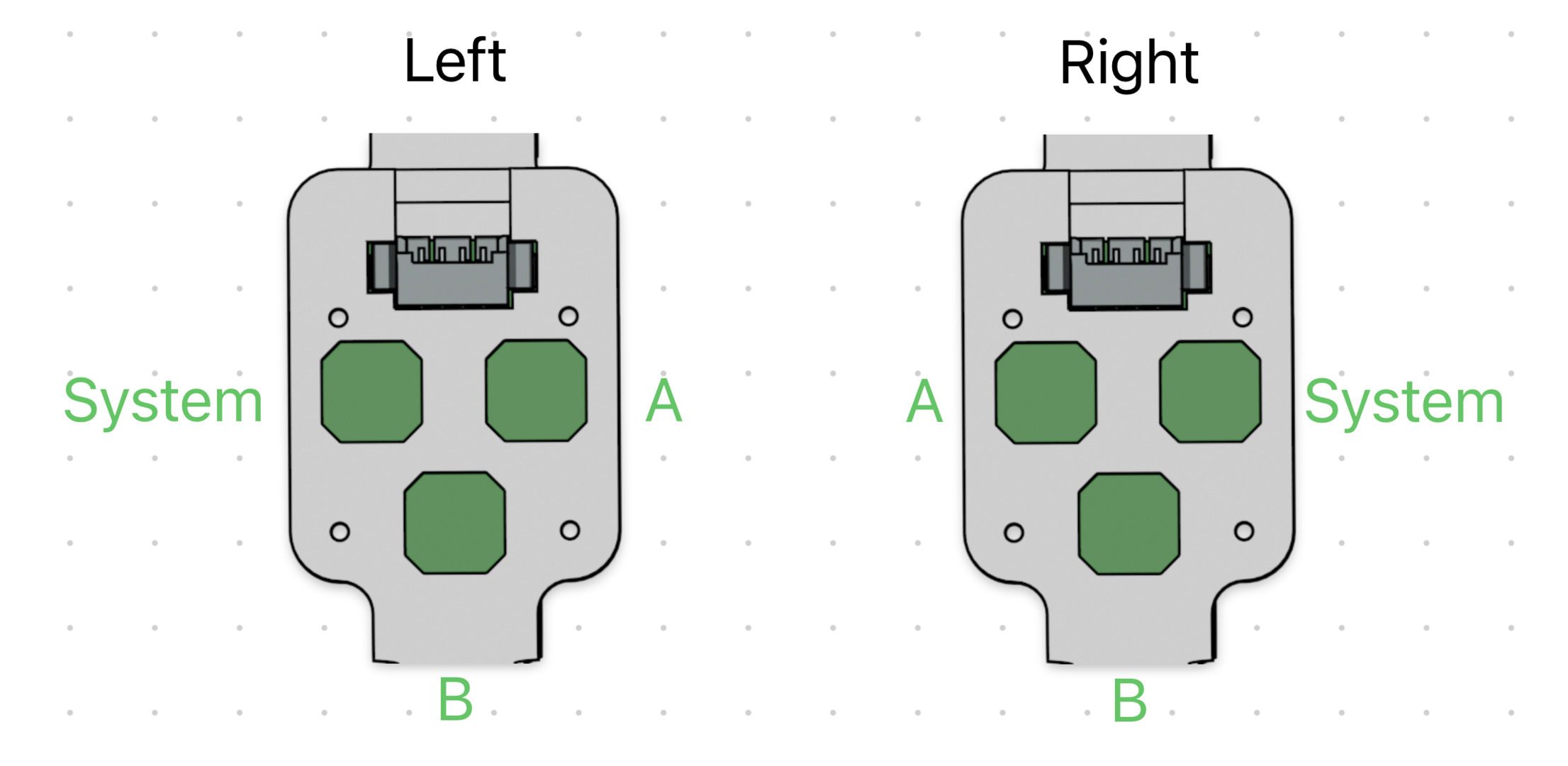 The buttons are reversed left and right.
Trackpad
Bend your thumb to press the trackpad. Up/down/left/right operation of the trackpad is not possible.