Magnetra1 Binding Configuration with DivingStation
Here, we will explain the input binding for Magnetra using DivingStation.
Binding Configuration Steps
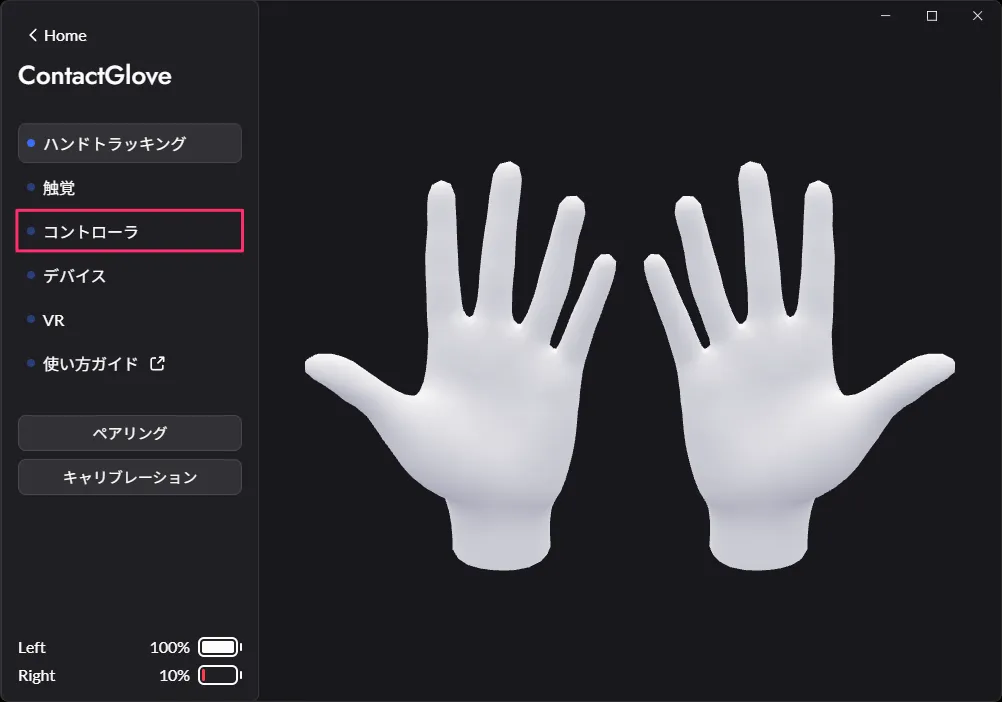
- Open the Controller tab in DivingStation.
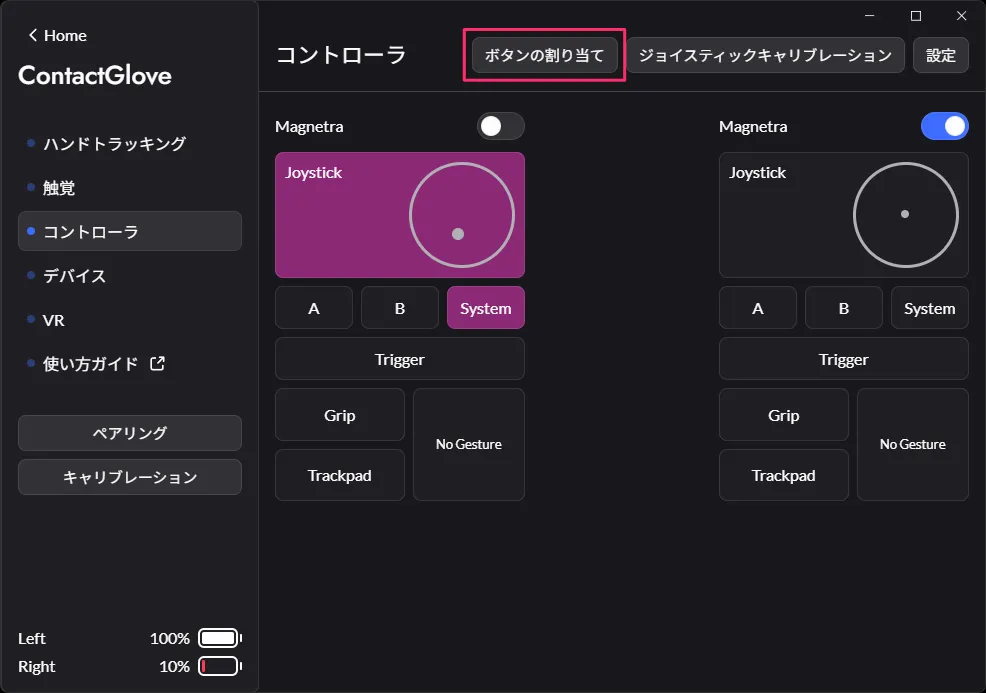
- Select Button Bindings at the top of the screen.
- The binding configuration window will appear.
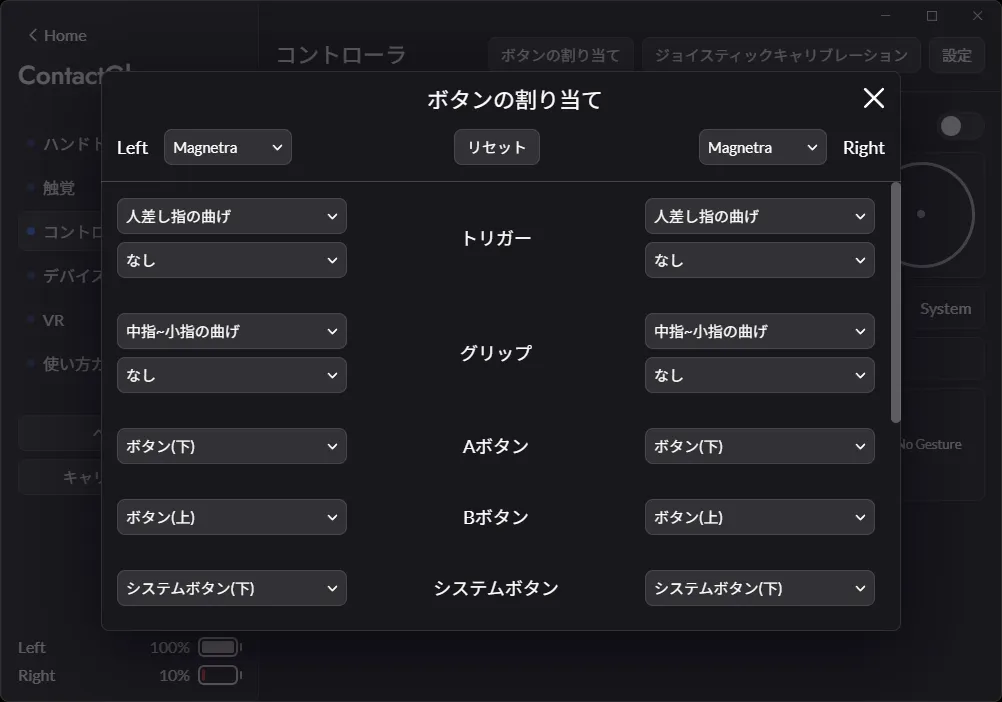
- Existing Button/Joystick Module and Magnetra input bindings are saved separately.
- When Magnetra is enabled, Magnetra Binding Settings will open, and when disabled, Existing Module Input Binding Settings will open automatically.
- You can manually switch the configuration target using the selectors adjacent to Left/Right at the top of the binding configuration window.
Existing Module Magnetra 

- You can manually switch the configuration target using the selectors adjacent to Left/Right at the top of the binding configuration window.
- Select the binding for each input from the lists in the settings window and close the binding configuration window.
Bindings are automatically applied and saved when switched.
Input and Bindings
In Magnetra, the following inputs can be bound[1] as follows:
〇: Configurable /×: Not Configurable
◎: Default binding
| Input | None | Button (Up) | Button (Down) | System Button (Up) | System Button (Down) | Joystick | Button (Up) + (Down) | Pairing Button | Bend Index Finger | Bend Thumb |
|---|---|---|---|---|---|---|---|---|---|---|
| Trigger | 〇 | 〇 | 〇 | 〇 | 〇 | 〇 | × | × | ◎ | × |
| A | 〇 | 〇 | ◎ | 〇 | 〇 | 〇 | × | 〇 | × | × |
| B | 〇 | ◎ | 〇 | 〇 | 〇 | 〇 | × | 〇 | × | × |
| System[2] | 〇 | 〇 | 〇 | ◎ | 〇 | 〇 | 〇 | 〇 | × | × |
| Joystick Click | 〇 | 〇 | 〇 | 〇 | 〇 | ◎ | × | × | × | × |
| TrackPad Click[3] | 〇 | 〇 | 〇 | 〇 | 〇 | 〇 | 〇 | × | × | ◎ |
| In-VR[4] Screenshot (System+Trigger) | ◎ | 〇 | 〇 | 〇 | 〇 | 〇 | 〇 | 〇 | × | × |
| Enable/Disable Input by Finger Bend[5] | ◎ | 〇 | 〇 | 〇 | 〇 | 〇 | 〇 | 〇 | × | × |
[Input and Bindings: Notes]
- In case of overlapping bindings, the previously set input will be automatically assigned to None.
- If one of System Button (Up)/(Down) is assigned as a System Button, and the other is unassigned, the latter will be treated as a System Button input.
- Click only.
- Emulates the simultaneous press input of System + Trigger buttons.
- Disables all input emulation by finger bend. In the default binding, Trigger/Grip/trackpad(Click) inputs are disabled.
If an input is bound to finger bend emulation, it will be disabled. Trigger/Grip/trackpad(Click) inputs will not be disabled if they are set to buttons, etc.