ContactSheet Operation Verification Procedure
Precautions for Use
-
ContactSheet is designed to be compatible with Quest 2, Quest 3, and Quest Pro controllers, which have different shapes.
As a result, the degree of adhesion between ContactSheet and the controller may vary.
Even if the unit is slightly lifted from the controller, it will not affect functionality, so please rest assured. -
The operation check procedure is the same for Quest 2, Quest 3, and Quest Pro, but the installation method differs between Quest 2/3 and Quest Pro.
To prevent unintended behavior, please ensure that you complete the installation after performing the operation check.
Operation Check Procedure
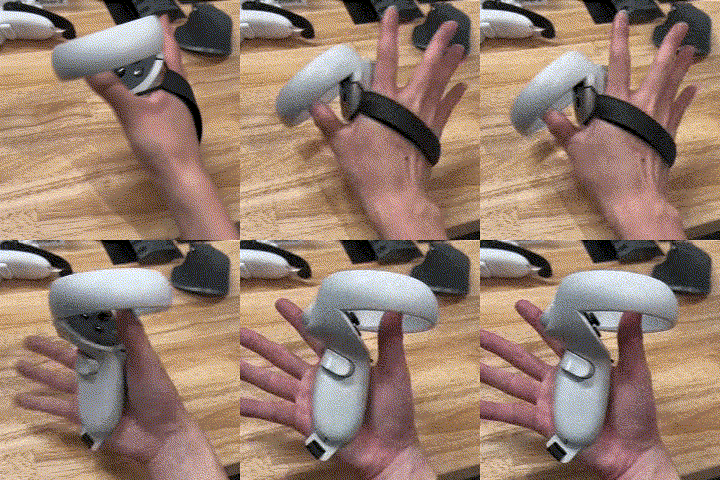
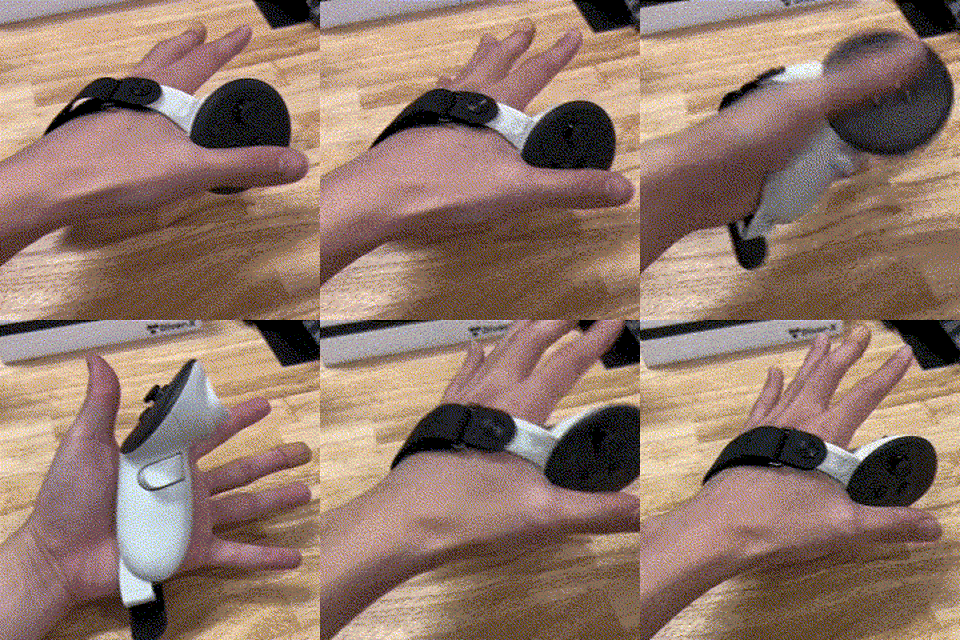
- Attach the included third-party strap. (Refer to the instruction manual included with the strap for installation details.)
If you are not using the included strap with Quest 2/3
Be sure to attach the original strap before using ContactSheet.
| [ Quest 2 with Strap ] | [ Quest 3 with Strap ] |
|---|---|
 |  |
If using with Quest Pro
Be sure to attach the included strap before using ContactSheet.
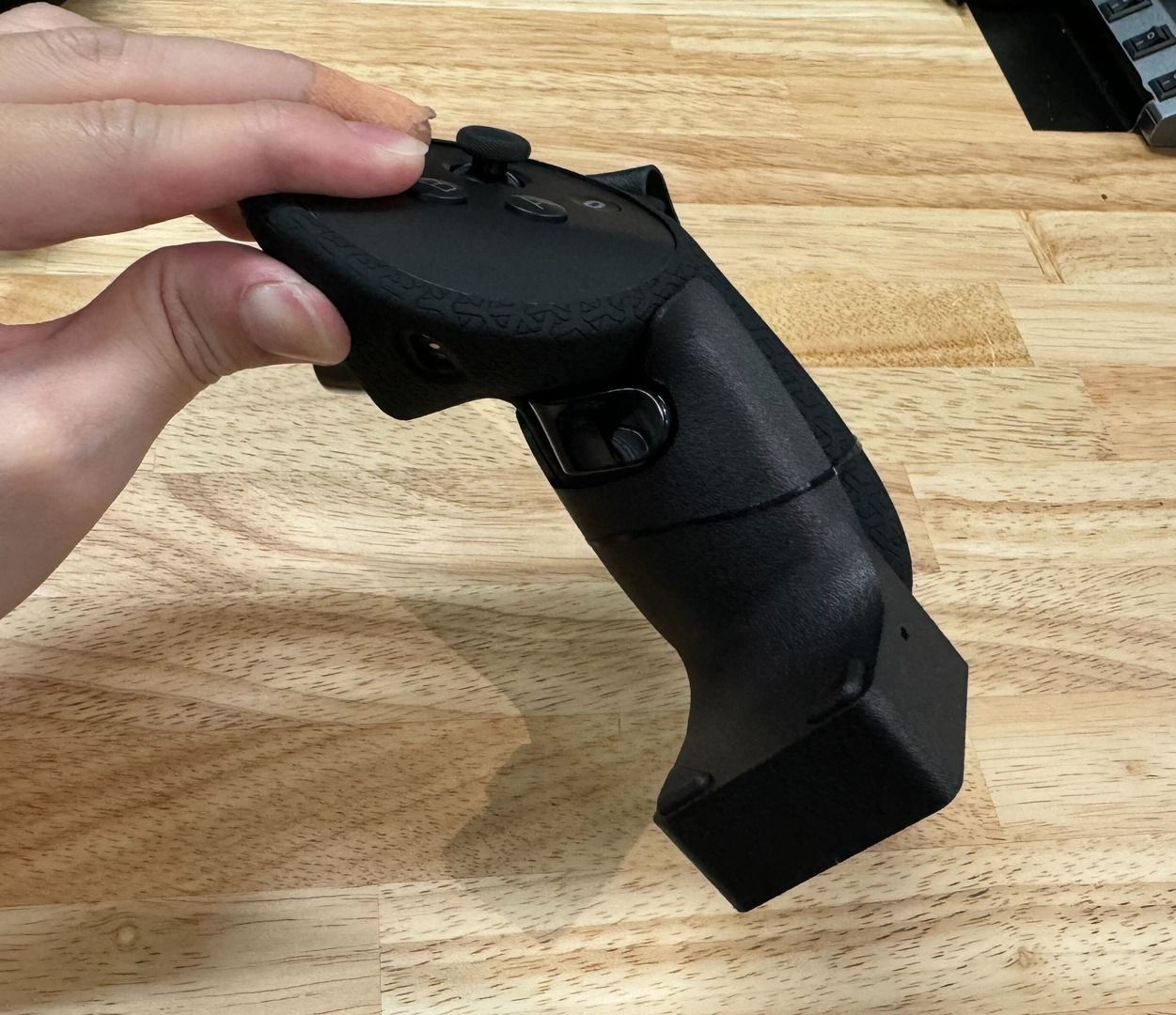
- Temporarily secure ContactSheet to the controller using the included silicone band.
When attaching the silicone band, you need to remove the strap belt from the cover.
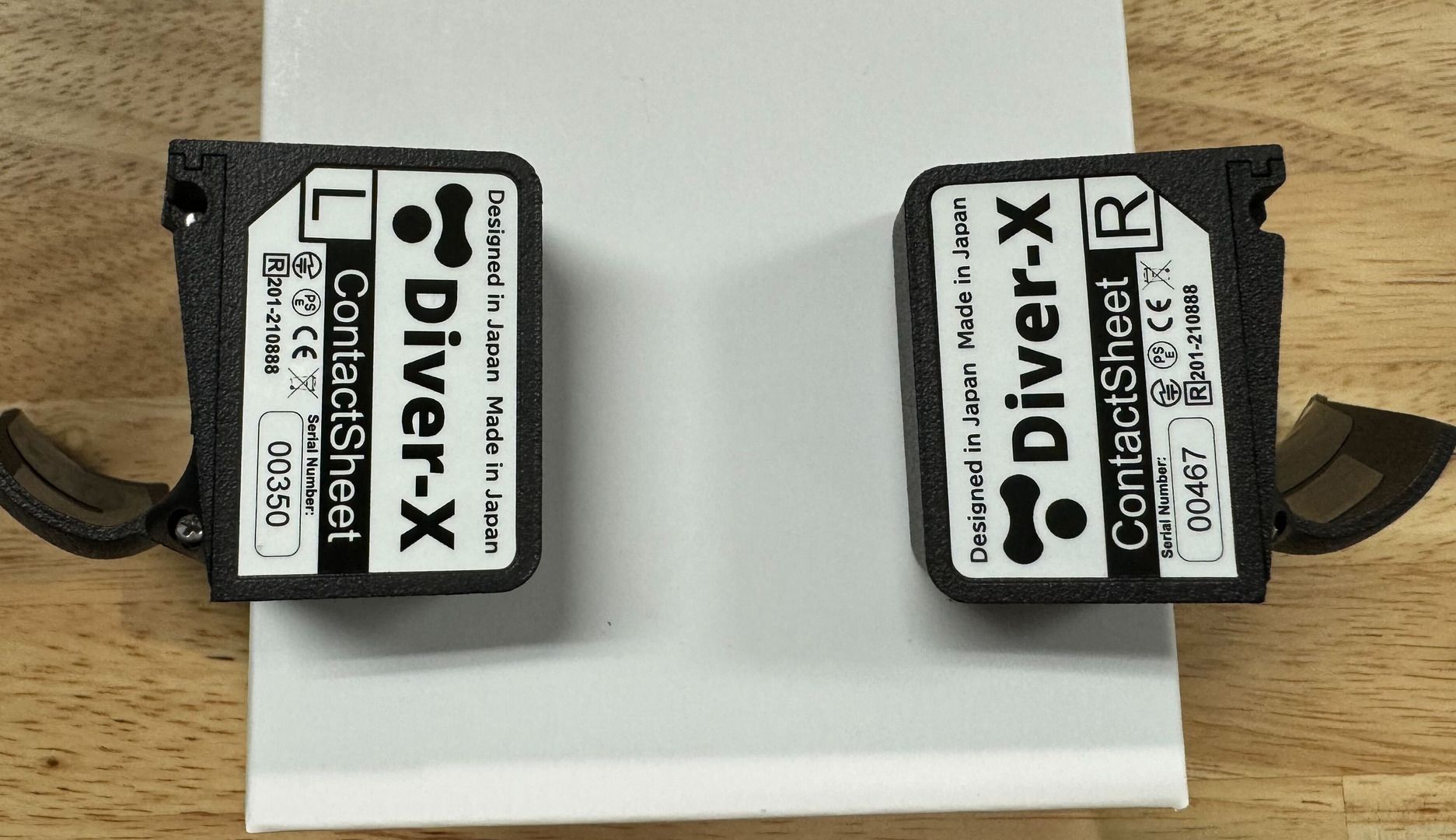
Check the markings on the bottom of the ContactSheet unit to ensure correct left/right placement.
- Connect to DivingStation and verify operation.
Follow the steps in the Device Setup Guide to complete the calibration process.