ContactSheet Details
ContactSheet
Package Contents
| Item | Description | Quantity |
|---|---|---|
| ContactSheet | ContactSheet main module | L/R-1 |
| ContactSheet Dongle | Dedicated dongle for ContactSheet connection | 1 |
| USB-C Cable | Included cable for ContactSheet charging | 2 |
| ContactSheet Mounting Stickers | Stickers for attaching ContactSheet to Quest 2/3 controllers | 12 |
| Silicone Bands | Bands for attaching ContactSheet to Quest Pro controllers | 4 |
| Cleaning Wipes | For cleaning the controller surface | 2 |
| Included Strap | Third-party strap (details below) | 1 |
The card included in the product package may state 15 stickers, but the correct number is 12.
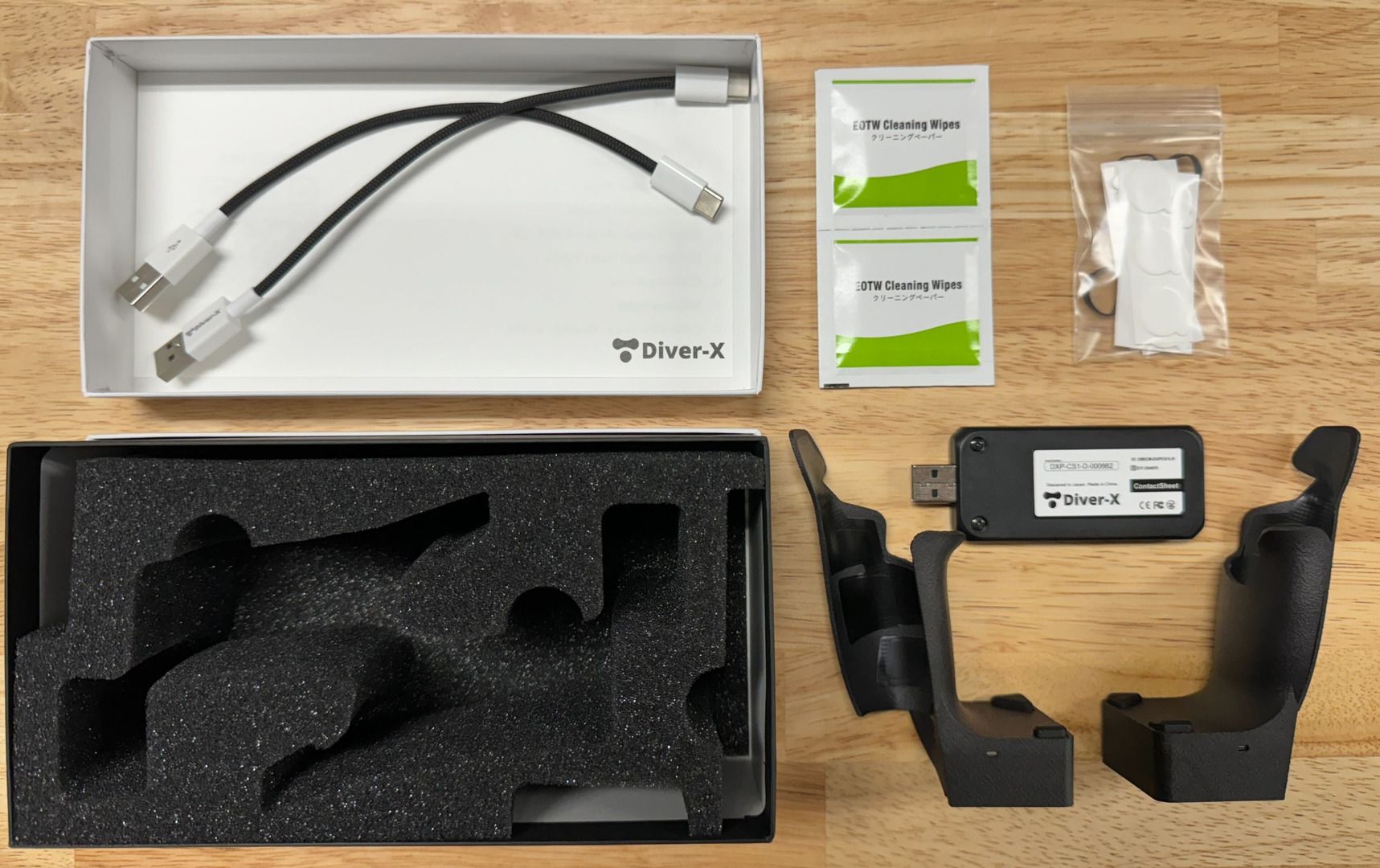
Notice
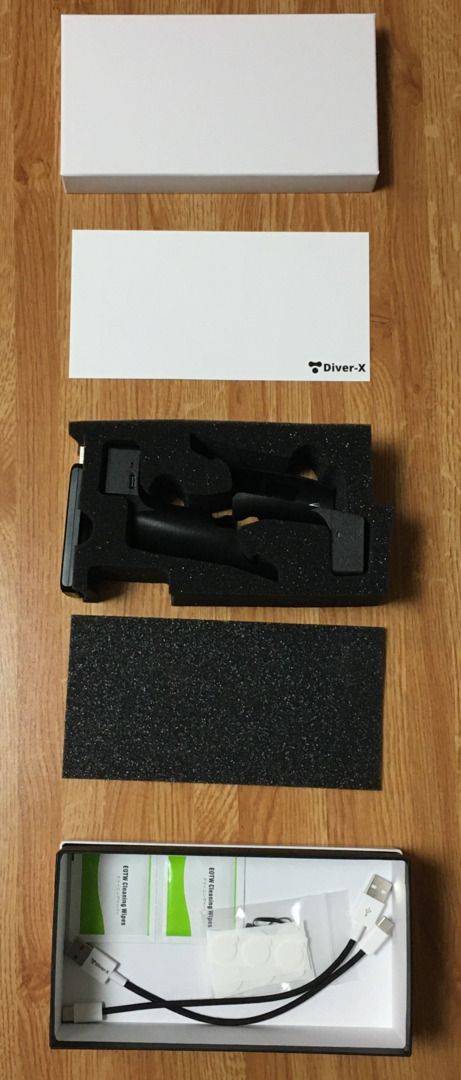
Due to manufacturing variations, accessories may be located in the foam pocket or at the bottom of the foam.
If accessories are located at the bottom of the foam
Features
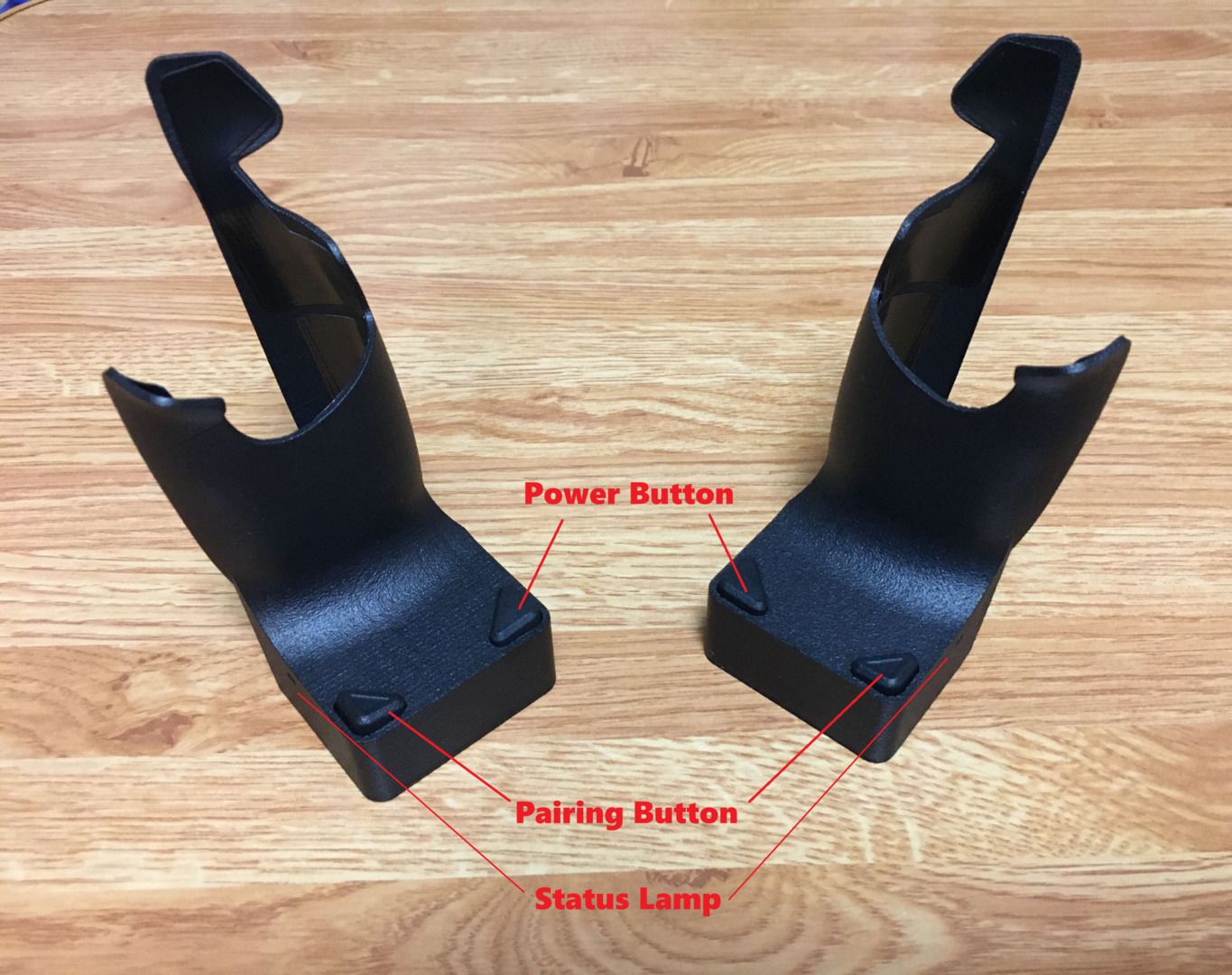
Component Descriptions
- Power Button
- Located at the back of the unit. Press and hold for a few seconds to power on ContactSheet.
- When performing a firmware update via a wired connection, ensure the device is powered on.
- Pairing Button
- A recessed button located at the front of the unit, used for pairing.
- Status Lamp
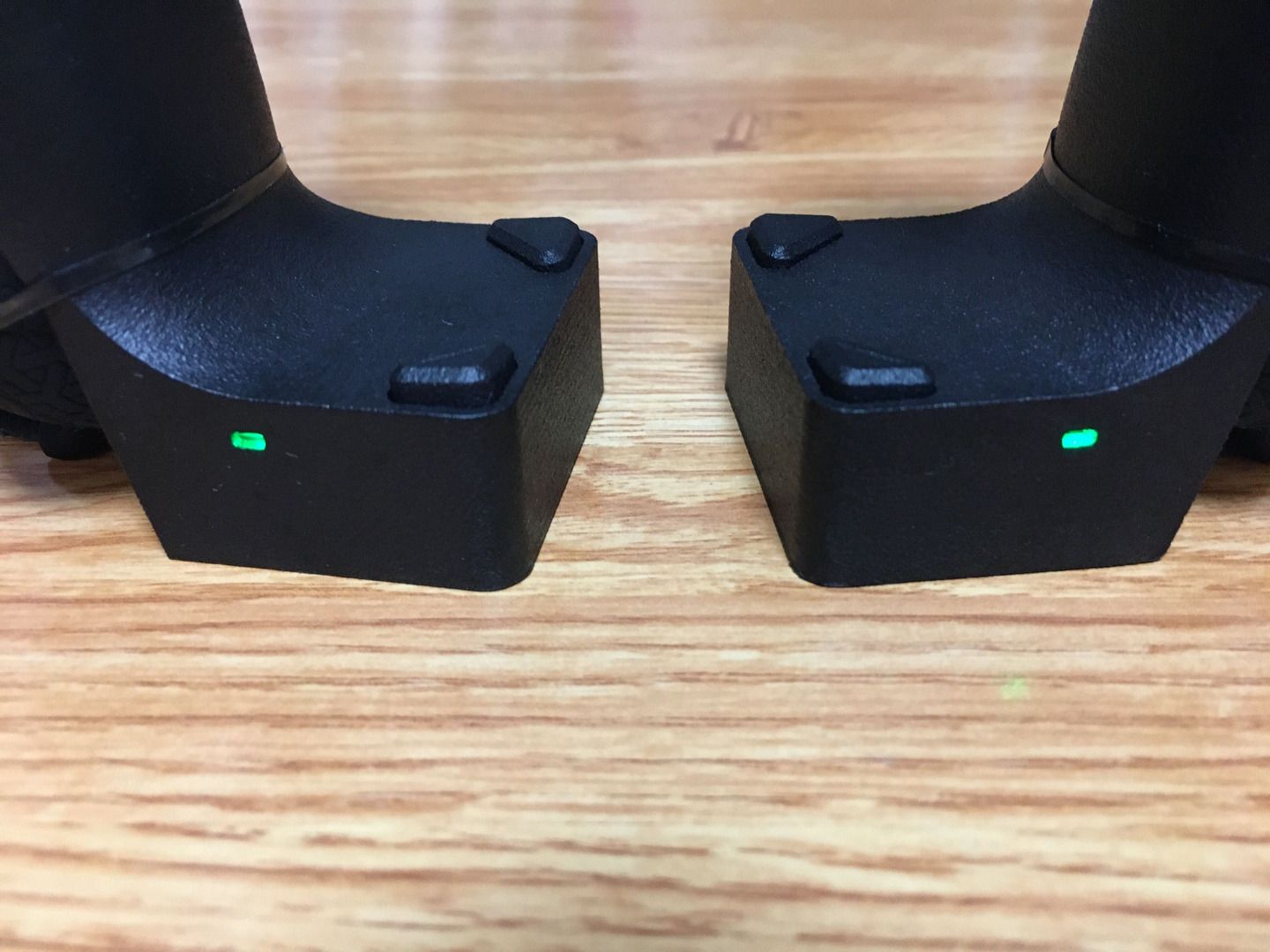
- The status lamp is located on the front side (near the pairing button) of ContactSheet.
- The light indicators and their meanings are as follows:
| Color | Power | Status |
|---|---|---|
| Green | ON | Paired |
| Red (Blinking) | ON | Not Paired |
| Yellow (Blinking) | ON | Pairing in Progress |
| Off | OFF | --- |
About the LED next to the ContactSheet USB Connector
If the LED remains constantly lit in red, this is part of the product's design. (It has minimal impact on power consumption.)
- If the Status Lamp (the LED near the pairing button) is off, the device is powered off.
Notes
Notice
If you do not use the included strap with Quest 2/3, be sure to attach the original strap before using ContactSheet.
Included Accessories (Third-Party)
| Item | Image | Description | Quantity |
|---|---|---|---|
| AMVR Controller Knuckle Strap for Quest 2 | 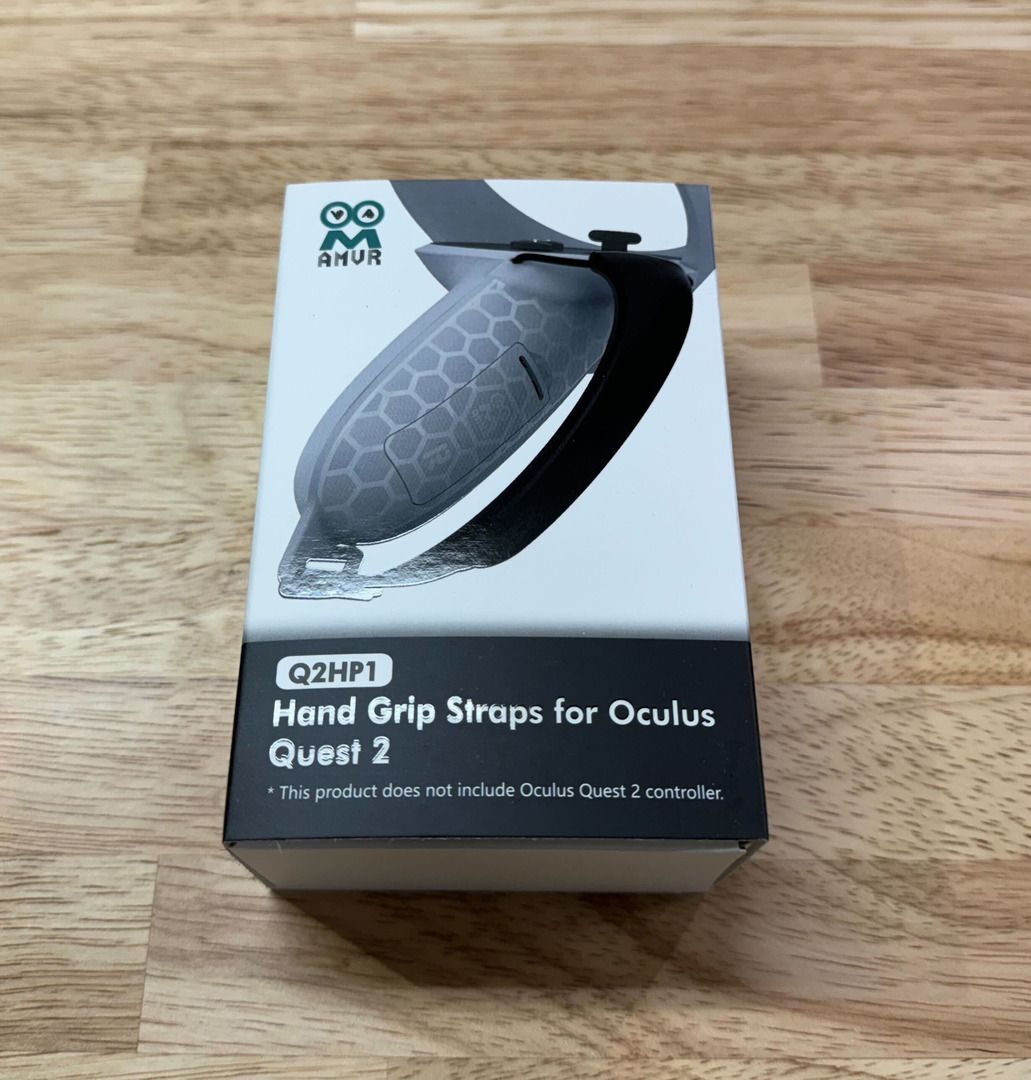 | (Included when selecting Quest 2) For Meta Quest 2 Touch controllers | 1 set |
| AMVR Controller Knuckle Strap for Quest 3 | 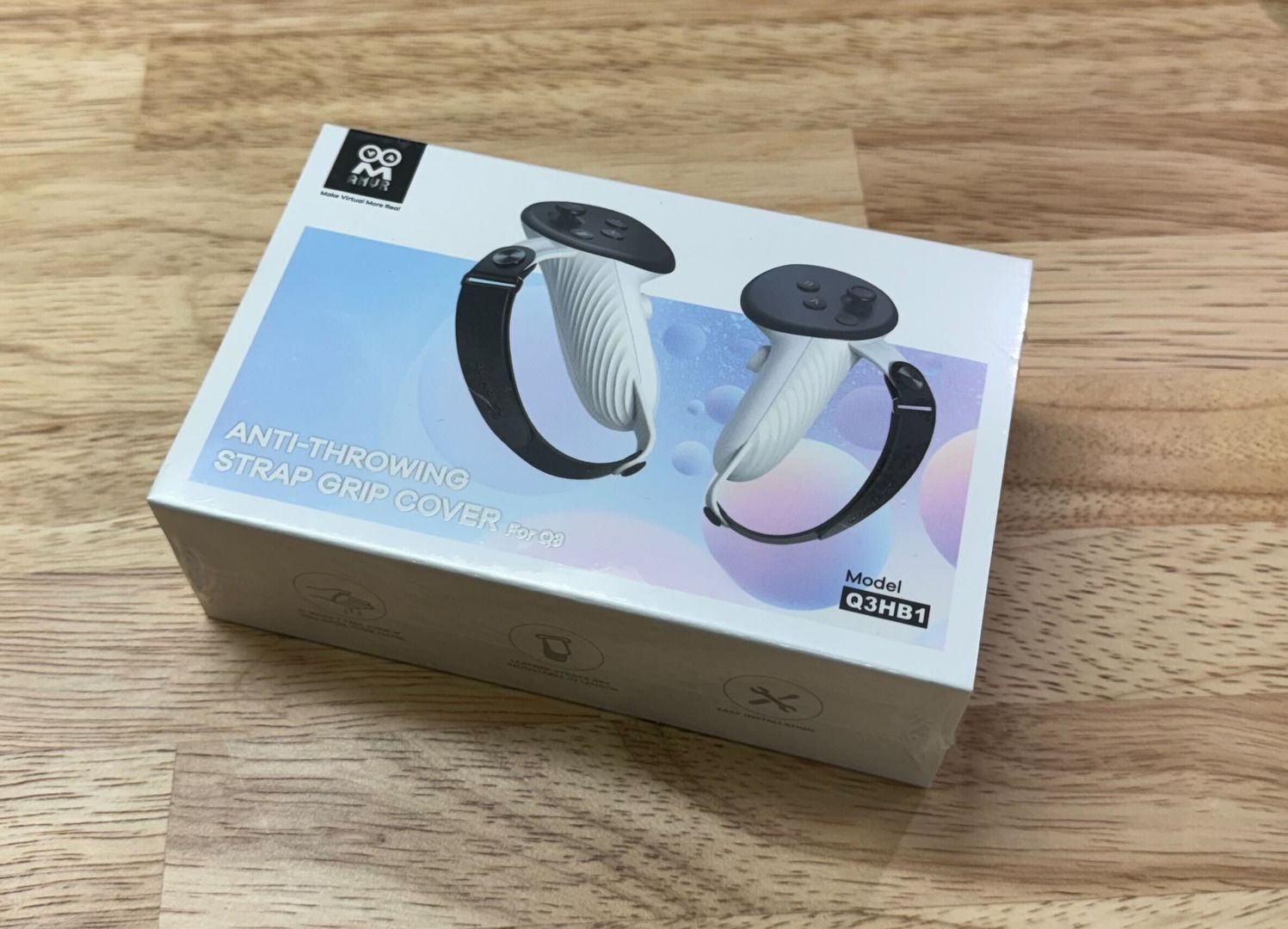 | (Included when selecting Quest 3) For Meta Quest Touch Plus controllers | 1 set |
| DESTEK HAND GRIP PROTECTOR COVER | 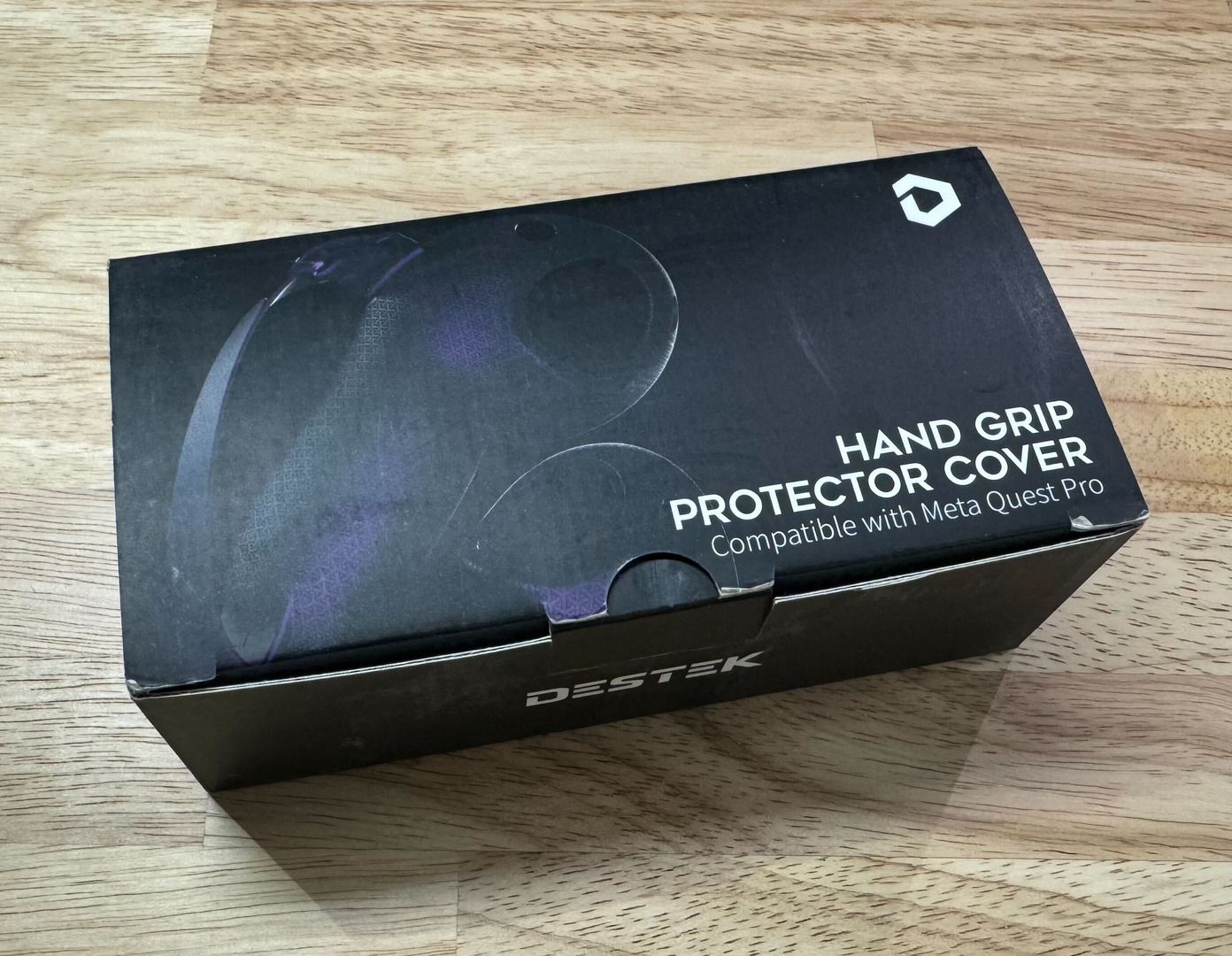 | (Included when selecting Quest Pro) For Quest Touch Pro controllers | 1 set |